A useful LoveGoBuy spreadsheet search is not simply typing a brand or garment name and opening the first result. Good search work narrows an intention into specific product attributes, checks whether each link still represents the expected item, and records enough evidence for a later buying decision. The objective is a short, comparable set of live OutfitReps pages rather than a large pile of bookmarks.
This guide explains how to search by category, silhouette, material, season, color, use case, and measurable detail. Five different product types illustrate the method: sneakers, a casual set, a short-sleeve T-shirt, jeans, and an accessory. These are research examples, not endorsements or guarantees. Recheck the live page, seller information, selectable option, price, domestic shipping, and agent rules at the time of use. Start from the LoveGoBuy Best Links Index, then use the category routes and quick shopping guide to keep the process organized.
Translate an idea into searchable LoveGoBuy spreadsheet terms
Begin with a one-sentence need: “I want a lightweight neutral top for warm weather,” or “I need everyday trousers with a measurable inseam.” Break that sentence into fields: category, intended use, season, fit, color, material, size evidence, budget, and shipping sensitivity. Search the rarest useful combination first. “Black cotton short sleeve relaxed” is more productive than “shirt,” while “straight jeans measured inseam” gives a clearer evaluation target than “pants.”
Use small keyword families. A hoodie may also be described as a sweatshirt, pullover, zip layer, or casual set. Sneakers may appear as trainers, sports shoes, runners, or a model code. Search one synonym at a time and record which term produced the result. Avoid stuffing every possible word into one query because a relevant page may use only one seller-translated phrase. If the spreadsheet offers filters, apply category first, then one or two attributes. Excessive filters can hide valid entries with incomplete metadata.
Separate discovery terms from verification terms. Discovery terms find possible products; verification terms define what must be proven on the product page or through the agent. “Loose fit” is discovery language. Chest width, garment length, shoulder width, and sleeve length are verification fields. “Lightweight” is a discovery claim; actual warehouse weight and fabric evidence are checks. This distinction prevents marketing language from becoming an untested conclusion.
Create a research row before opening many tabs. Include the exact OutfitReps URL, product title, category, date checked, search phrase, intended use, color, size option, seller chart availability, price, domestic freight, seller identity, dispatch note, image evidence, QC priorities, estimated weight, and status. Mark unknown details as “not shown,” not blank. A blank field can look accidentally complete later.
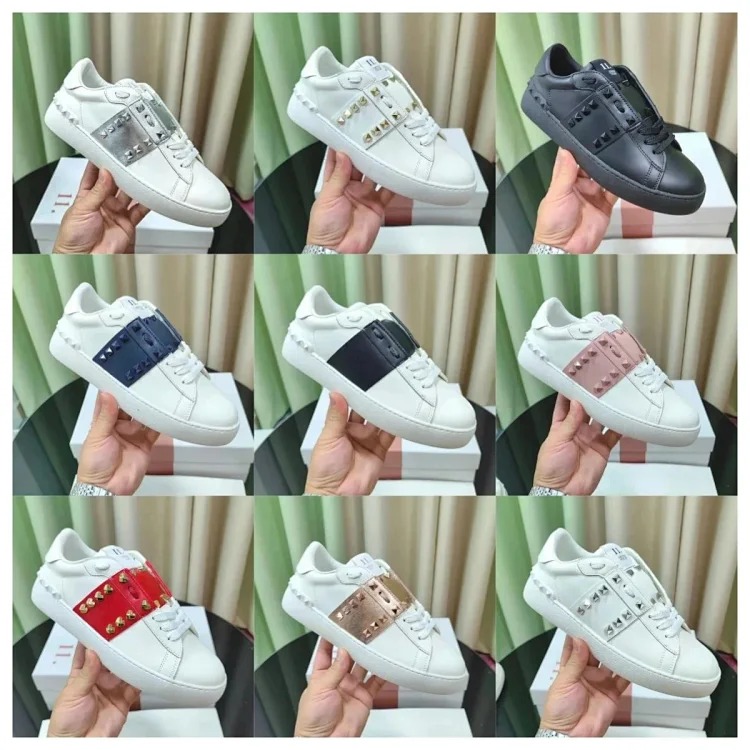
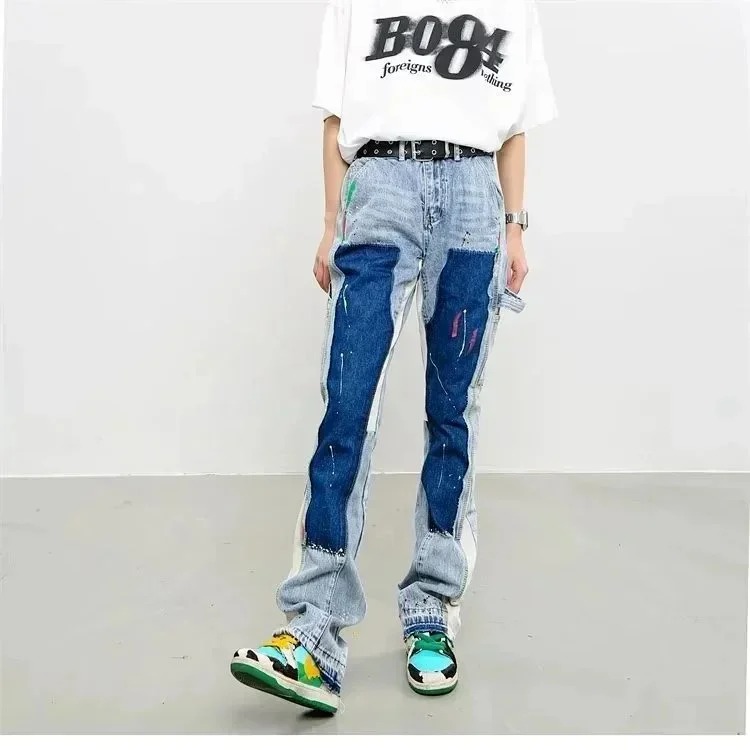 Sneaker search exampleFootwear queryView product on OutfitReps →
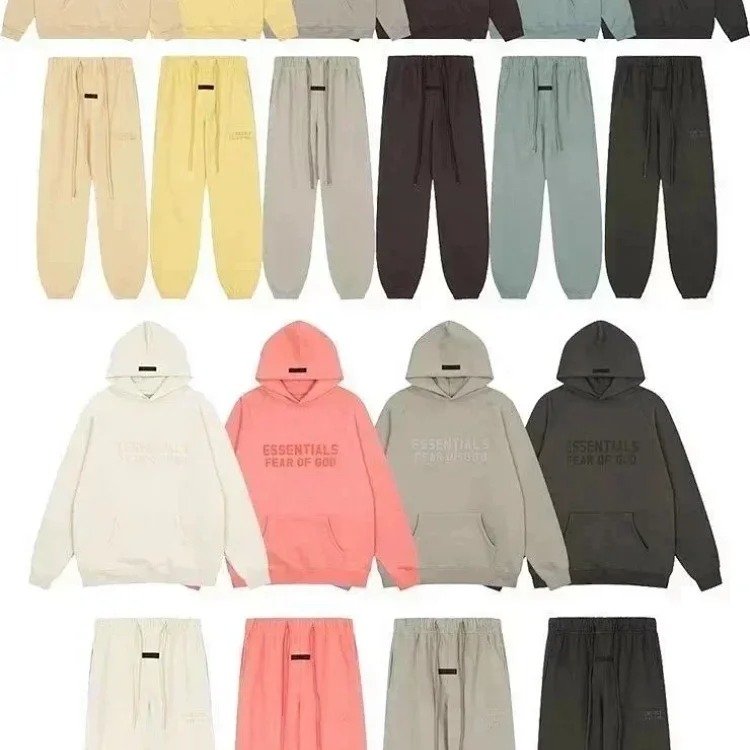 Casual clothing setCoordinated outfit queryView product on OutfitReps →
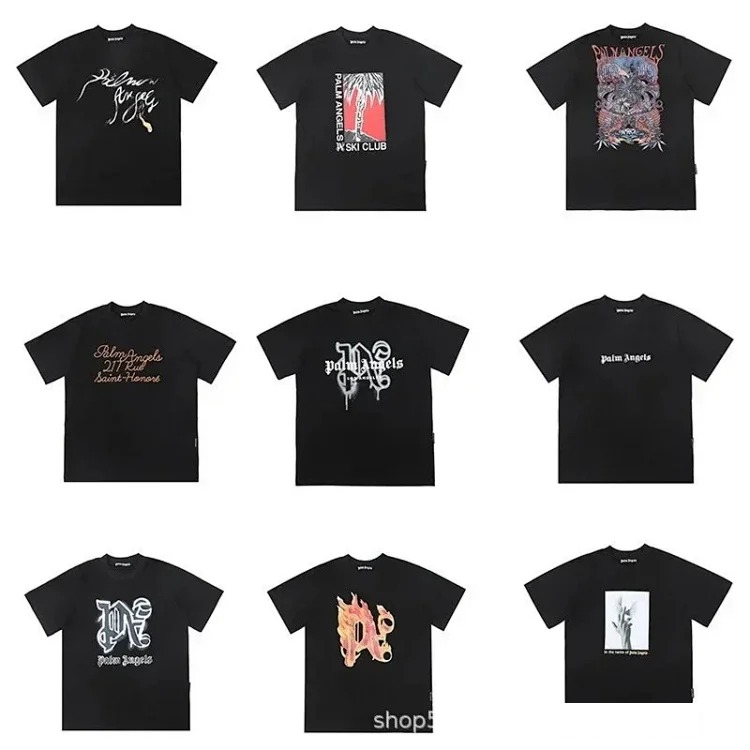 Cotton short-sleeve T-shirtWarm-weather top queryView product on OutfitReps →
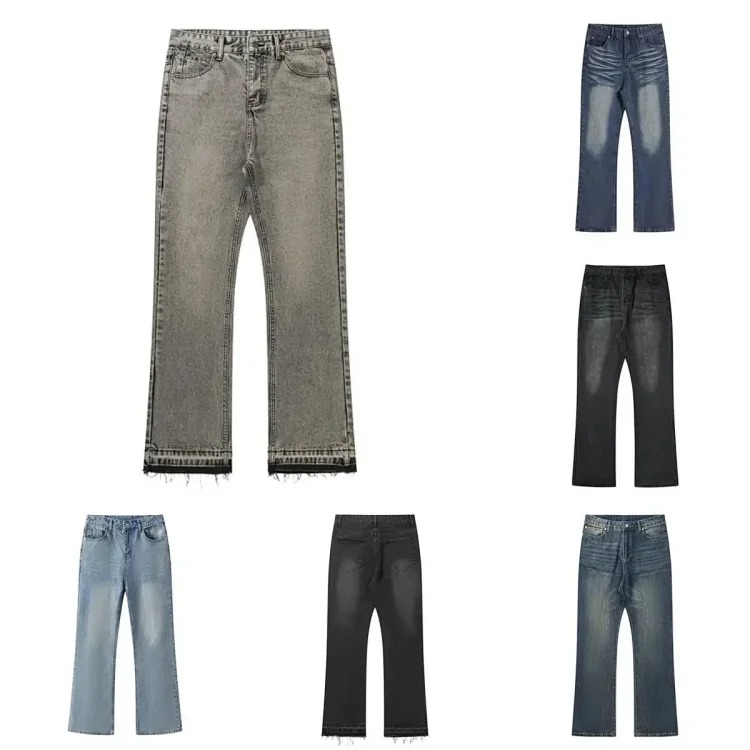 Jeans in multiple stylesTrouser queryView product on OutfitReps →
 Accessory listingDetail-verification queryView product on OutfitReps →
Verify every result before saving it to a shortlist
Open the exact product page and compare its current title, category, gallery, options, and seller details with the spreadsheet row. Machine-translated titles can be vague or inconsistent, so images and selectable options must agree. A listing placed in an unexpected category deserves extra caution. Confirm whether a gallery shows one product, several variants, a top-and-bottom set, or styling props that are not included.
For each candidate, capture what is observable and identify what needs an answer. Record color names exactly as shown, including codes or image numbers. Copy the complete size chart and note whether measurements appear to be body dimensions or flat garment dimensions. Check for tolerances, material claims, dispatch estimates, minimum quantities, customization language, and return restrictions. Save seller information with the date because a product link can remain while conditions change.
Run a fast link-quality test. The page should return normally, describe a product, show usable images, and expose an option or route that an agent can interpret. Do not rely on a spreadsheet thumbnail if the product page has changed. If the page redirects to a category, displays a missing item, or offers unrelated options, mark it stale and search again. Do not silently replace the URL while keeping old notes.
Apply category-specific size checks. For the T-shirt and casual set, compare chest, shoulder, length, sleeve, waist, and trouser length where applicable with a garment that already fits. For jeans, prioritize waist, rise, hip, thigh, inseam, and leg opening. For shoes, measure both feet and the removable insole of a comfortable pair, then seek an internal-length basis rather than trusting a familiar label. For an accessory, determine the functional dimensions and whether the product description actually matches the photograph.
Shortlist only products that answer the most important questions or have a clear path to obtaining answers. Use statuses such as discovered, page verified, awaiting seller detail, measurement incomplete, shortlisted, rejected, and ordered. A rejected row is valuable: record the reason, such as missing measurements, unclear option mapping, conflicting images, or unsuitable parcel weight. This prevents repeating the same search mistake.
Compare products with QC, agent route, and shipping in mind
Comparison begins after verification, not before. Score candidates against intended use and evidence quality rather than image appeal alone. Useful columns include option clarity, measurement completeness, material evidence, seller-detail completeness, visible construction, QC inspectability, estimated item weight, packaging sensitivity, and total landed-cost estimate. Keep facts and judgments in separate columns so a later reviewer can see why a score was assigned.
Write QC requests while the product is still being researched. For sneakers, request both shoes together, outer and inner sides, toe boxes, heels, tongues, size tags, soles, and insole measurement with visible tape endpoints. For tops, request front, back, seams, graphics, collar, cuffs, hem, tags, and flat measurements. For jeans, request waistband, fly, pockets, stitching, front and back, rise, inseam, and leg opening. For sets, confirm every included piece and measure each separately.
QC photos document visible condition and option accuracy; they cannot prove comfort, durability, fabric composition, or authenticity. Classify each priority as passed, failed, or not shown. If lighting, folds, packaging, or image resolution hides a required detail, ask for a focused photograph. A precise instruction such as “measure the chest flat from pit to pit with both tape ends visible” is more useful than “check quality.”
Preserve the agent route from source link to delivery. Copy the exact page URL, option, color, size, and seller question into the shopping agent order note. Track ordered, seller confirmed, domestic dispatch, warehouse received, QC review, additional photos, exchange or return, approved, parcel rehearsal, shipped, and delivered. Add dates and retain after-sales messages. Do not consolidate an item while a size, quantity, defect, or option issue remains unresolved.
Estimate shipping before ranking a cheap product highly. Combine product price, domestic freight, agent charges, international freight, packaging, insurance where appropriate, and a contingency. Replace guessed weight with the warehouse reading. Shoes and structured items may create volumetric weight; soft tops may compress; denim can be dense; multi-piece sets can be heavier than a thumbnail suggests. Rehearsal packaging reveals whether the shortlist remains economical as a parcel.
Maintain a searchable research system instead of a bookmark pile
Standardize names and tags after each session. Use one category vocabulary, consistent color terms, and measurable fit labels. Add a last-checked date and a review-by date. Deduplicate by canonical product URL, not title, because translated titles can vary. If two rows share a page but refer to different options, keep one source record with clearly separated variants.
Add a short decision note to every shortlisted row. State why the product survived the search, which evidence remains incomplete, what would cause rejection, and the next action owner. For example, a row might remain active because its measurements are complete but require one warehouse photo of the size tag. Another might wait for an agent to confirm whether packaging can be removed. Clear decision notes make the spreadsheet usable after several days, prevent assumptions from being remembered as facts, and let a second reviewer understand the comparison without reopening every page.
Review saved links before ordering. Confirm the page is live, the intended option still exists, images still match, seller details remain acceptable, and current price and freight are recorded. If the content changed materially, archive the old evidence and create a new review entry. This audit trail shows what was known at each decision point.
Close the loop after delivery. Record actual garment measurements, fit, visible construction, parcel condition, shipping time, final cost, and whether the original search terms predicted the result well. Note which QC angles and seller answers were useful. These observations improve later queries and help distinguish strong search fields from decorative metadata.
An effective LoveGoBuy spreadsheet search is a repeatable research process: define the need, search with focused term families, verify every live OutfitReps page, compare evidence, prepare size and QC checks, preserve the agent route, and include shipping in the decision. The result is fewer but better links, with enough context to act responsibly when conditions change.
Continue with the LoveGoBuy product research board guide, browse all LoveGoBuy guides, or use the shortcuts below.