A normal product list is fast to create: save a title, thumbnail, price, and link. That is useful during discovery, but it becomes weak when you must compare sizes, explain an option to an agent, review warehouse QC, or estimate shipping. A LoveGoBuy product research board adds the evidence behind each saved link. It records the intended use, exact option, measurements, seller details, unanswered questions, agent route, parcel impact, and decision status. The board does not make a product reliable; it makes the remaining uncertainty visible.
This difference matters when a shortlist contains multiple categories. The same fields cannot fully describe a jacket, T-shirt, hoodie, pair of trousers, and bag. A structured board keeps common information consistent while allowing category-specific checks. Begin with the LoveGoBuy Best Links Index, open the relevant category route, and use the quick shopping guide before moving any candidate from discovery into research.
Why a LoveGoBuy product research board beats a flat saved-link list
A flat list answers “what did I see?” A research board answers “what problem does it solve, what evidence supports it, and what must happen next?” Useful shared fields include product category, concrete OutfitReps detail URL, review date, selected option, requested size, expected measurements, seller information, source images, QC priorities, agent note, estimated product weight, shipping notes, and status. These fields turn browsing history into a controlled workflow.
Use statuses such as discovery, researching, awaiting answer, shortlisted, ordered, QC review, approved, exchange, returned, and archived. Only one status should apply at a time. A clear status prevents an incomplete candidate from being copied into an agent order. It also exposes stale links: when a product remains in “awaiting answer” for too long, you can replace it instead of forgetting why it was paused.
The board should preserve rejected candidates. Add a short rejection reason such as unclear sizing, wrong season, unavailable option, insufficient photos, high estimated shipping weight, or duplicate wardrobe role. Deleting the row removes useful evidence and makes it easier to repeat the same mistake. Archiving maintains the research trail without crowding the active shortlist.
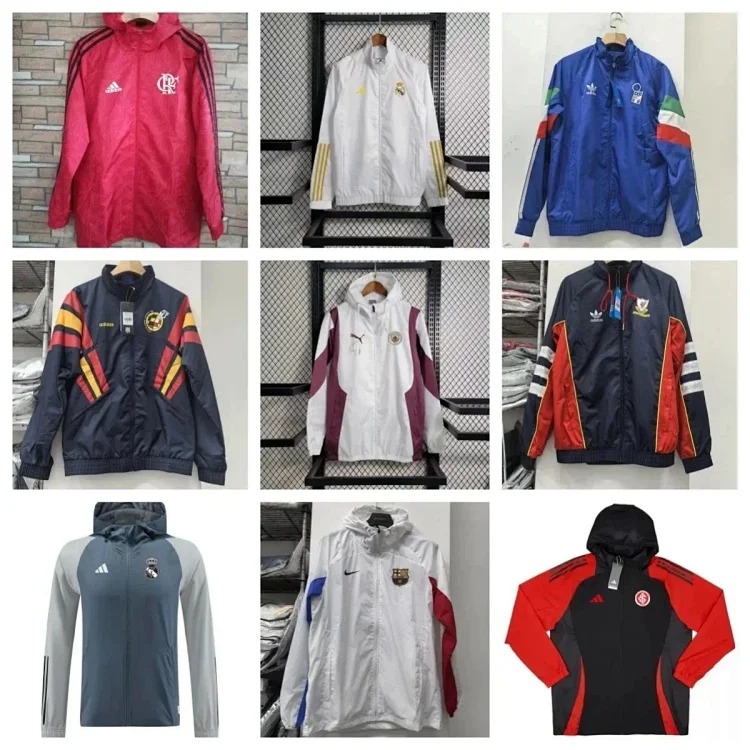 Fashionable football trench coatOuterwear boardView product on OutfitReps →
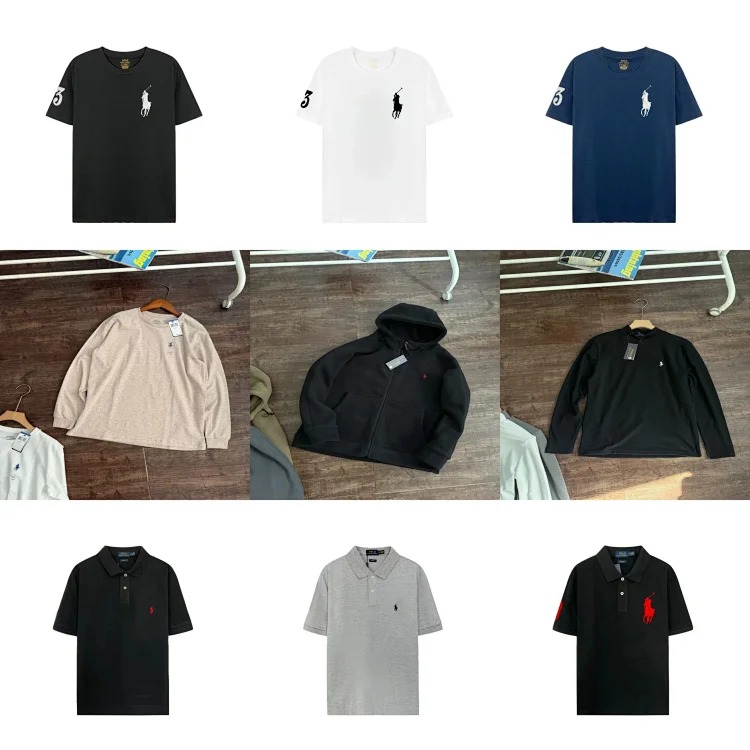 Short sleeve sweatshirtTop boardView product on OutfitReps →
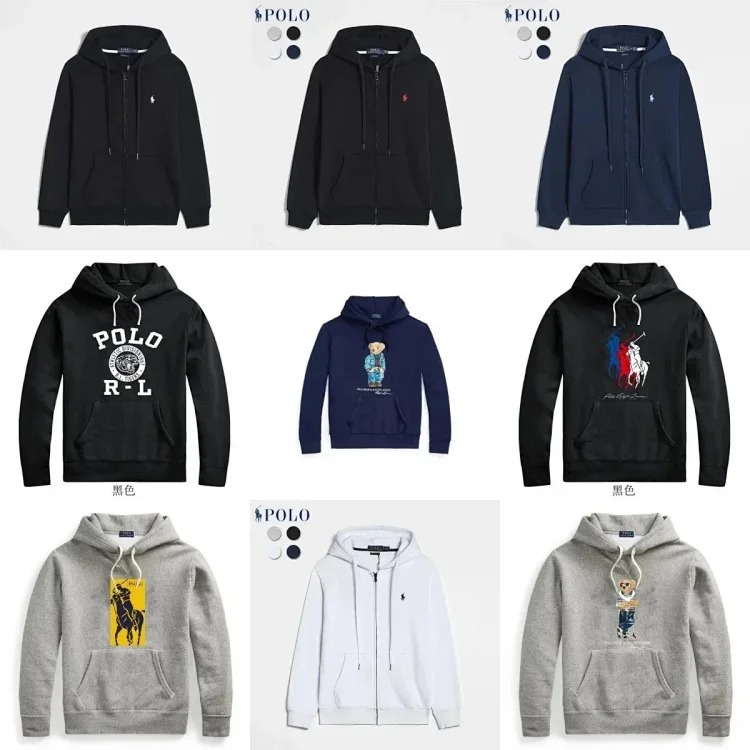 Casual sports hooded sweatshirtHoodie boardView product on OutfitReps →
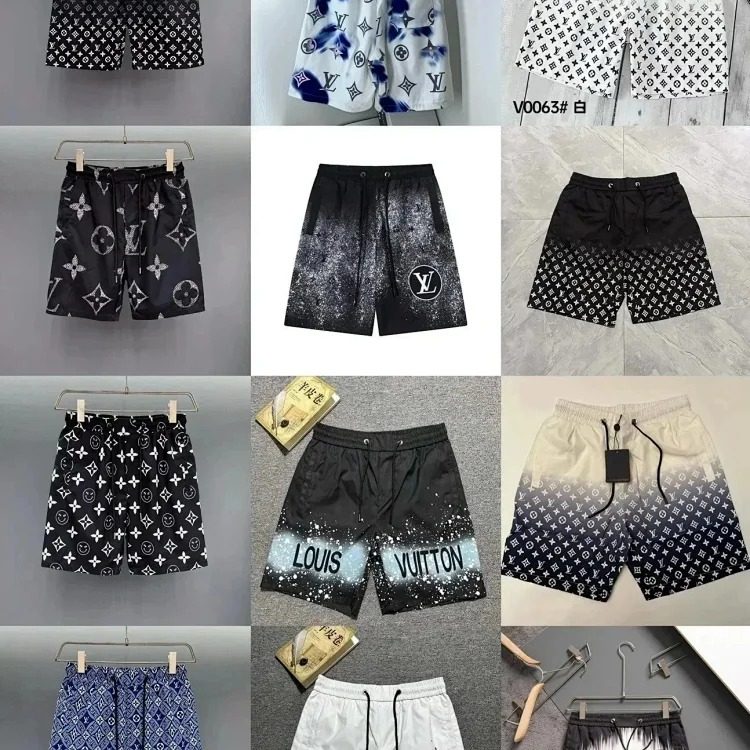 Summer men's beach shortsBottom boardView product on OutfitReps →
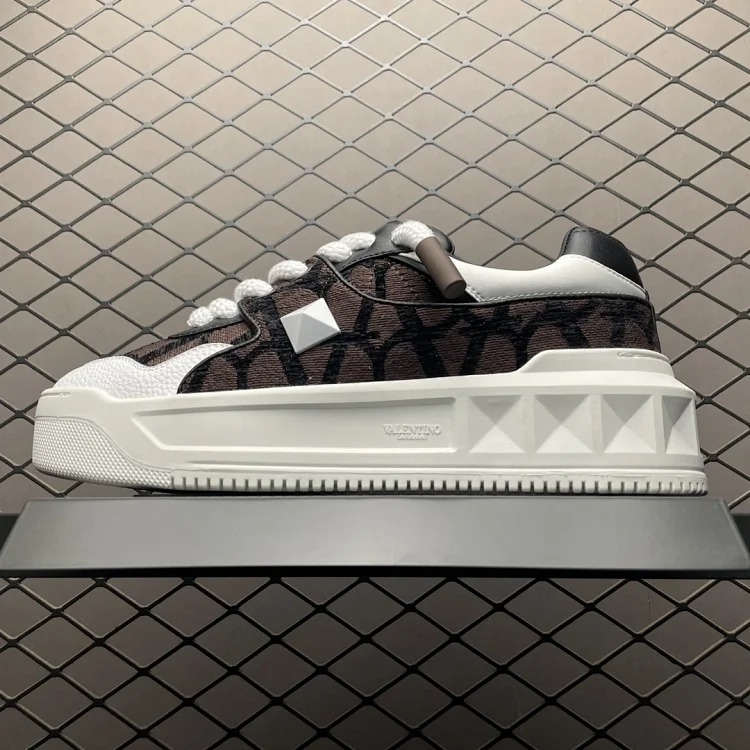 Color matching stud bagAccessory boardView product on OutfitReps →
These five different examples should not be treated as a coordinated outfit. Their purpose is to demonstrate how the board changes by category. Keep every item connected to its current OutfitReps detail page and direct image. Verify the page again before ordering because availability, option wording, price, and seller information may change after the initial review.
Turn category differences into measurements and QC priorities
For the trench coat, record shoulder, chest, back length, sleeve, closure, pockets, fabric description, and intended layer underneath. Compare measurements with an outer layer you own, not with a T-shirt. The QC plan should request front, back, sides, collar, cuffs, hem, closures, pockets, size tag, and flat measurements. Because long outerwear can add parcel volume, include a preliminary weight and packaging note before it reaches the cart.
The short-sleeve sweatshirt needs different evidence. Record collar shape, shoulder, chest, body length, sleeve opening, visible branding, fabric description, and exact color. Ask whether the intended fit is regular, boxy, or oversized, then compare with a similar garment. QC should show full front and back views, the neckline, size tag, key embroidery or print, and measurements. A board makes these priorities visible before warehouse photos arrive.
For the hooded sweatshirt, add hood construction, drawstrings, pocket arrangement, ribbed cuffs, waistband, zipper or pullover style, and expected garment weight. Confirm whether a matching bottom is included or shown only for styling. The title and selected option should be copied exactly into the agent note. If the seller page lacks a useful chart, move the row to awaiting answer rather than converting uncertainty into a guessed size.
The beach shorts require waist condition, rise, thigh, inseam, total length, leg opening, pockets, lining, pattern, and drawstring details. Mark whether waist measurements are relaxed or stretched. Warm-weather shorts should be judged for their own role and season, not because they happen to sit beside a heavy hoodie on the board. Filters or separate views can group active candidates by season and avoid mismatched shopping decisions.
For the bag, track width, height, depth, strap range, closures, interior sections, hardware, pattern placement, and what the bag must carry. Product photographs can distort scale, so compare dimensions with a familiar object. QC should cover front, back, base, corners, interior, strap attachments, closures, and hardware. Seller claims about materials should remain seller details; warehouse photos cannot prove composition that is not visibly testable.
A generic list often stores only the most flattering image. A research board should store the images that support decisions: a size chart, full product view, option selector, and detail close-up. Each image should have a reason. Avoid collecting dozens of nearly identical photographs, because quantity can hide the absence of one essential angle or measurement.
Use board views for seller checks, agent routing, and shipping planning
Create a seller-review view that shows every active candidate with seller name, visible description, option wording, review date, and unanswered questions. Record only what the page supports and label missing facts as unconfirmed. Do not turn a price, title, or single image into a conclusion about reliability. When the agent or seller answers a question, preserve the answer date and source so it does not become indistinguishable from the original listing.
Create an agent-route view with exact URL, option, size, color, quantity, instruction, and current transaction stage. The route can move from OutfitReps discovery to agent order, seller dispatch, domestic tracking, warehouse receipt, QC review, after-sales action, parcel rehearsal, and international shipping. Keep private order identifiers in the personal board, not a public guide. A structured route prevents items from being consolidated while an exchange or measurement question remains open.
Create a QC view that shows only ordered or received items and their prewritten priorities. Use observable instructions: measure the chest flat with endpoints visible, photograph the bag interior, show the back graphic, or provide the insole length. Avoid “check quality,” which gives no reproducible action. Mark each priority passed, failed, or not shown. Resolve every failed or not-shown priority before approving the item for shipping.
Create a shipping view with estimated weight, actual warehouse weight, packaging preference, box-removal decision, estimated volumetric impact, route constraints, and landed cost. Add product price, domestic freight, service charges, international freight, and a contingency. Comparing two products by landed cost can change the shortlist, especially for coats, thick hoodies, structured bags, or boxed footwear.
Views do not duplicate the underlying row; they reveal the fields needed for the current decision. This is the main advantage over a normal product list. Discovery can stay visually simple, while sizing, QC, seller, agent, and shipping views expose operational details when needed. The same candidate progresses without losing context.
Maintain the board so it improves future buying decisions
Review active links on a fixed schedule. Confirm that the detail page still works, the selected option remains visible, and the source images match the saved notes. If a product disappears, archive the row and find a replacement from the relevant category rather than silently editing the old URL. A new product deserves a new row because it has different evidence, seller details, and review timing.
After warehouse QC, record the actual measurements and visible outcome. After delivery, add fit, material impression, parcel weight, and whether each photo request was useful. This feedback helps calibrate future decisions. A labeled size may become less important than a known chest measurement; a packaging choice may reveal a predictable weight saving; a category may require one extra photo angle every time.
Keep the board narrow enough to use. Limit active candidates per wardrobe role, archive weak options, and set a review date for unanswered questions. A board with hundreds of unresolved rows becomes another flat list. Its value comes from movement: a product advances with evidence, pauses with a clear question, or leaves the active view with a recorded reason.
A LoveGoBuy product research board does not replace judgment, agent policies, or current seller confirmation. It gives judgment a stable structure. By recording why a product was saved, how its size was compared, what QC evidence matters, how it moves through the agent route, and what shipping may cost, the buyer can make a smaller number of clearer decisions. Review that evidence again immediately before purchase.
Continue with the LoveGoBuy QC checklist, visit the full guide archive, or use the internal routes below to build the next research view.