The LoveGoBuy spreadsheet vs catalog question has no universal winner. A catalog helps you discover possibilities visually, understand categories, and open promising OutfitReps pages quickly. A spreadsheet helps you retain exact links, compare measurements, document seller answers, record QC priorities, and revisit an order decision later. The strongest workflow uses both at different moments rather than treating either format as a guarantee of product quality.
This guide compares the formats through five distinct product types: a sneaker, embroidered T-shirt, printed trousers, hooded sweatshirt, and football jersey. Their images and specific detail links come from OutfitReps, but the examples are not recommendations to buy. Product conditions, sizes, prices, availability, and agent rules may change. Begin with the LoveGoBuy Best Links Index, use its category routes for exploration, and consult the quick shopping guide when turning a find into an order plan.
Use a catalog to discover shape, category, and alternatives
A visual catalog excels at the beginning of a search. Cards place images and broad labels together, so you can scan a category for a silhouette, color family, or styling direction. If you are unsure whether you want a cropped top, a relaxed tee, or an outer layer, image-led browsing can expose options that a narrowly worded spreadsheet filter would miss. It is also a quick way to find categories and related items for an outfit.
Catalog speed has a cost. A product image may show a styled outfit rather than the exact included piece. Category labels can be noisy, seller titles may be translated imperfectly, and a thumbnail rarely displays a complete size chart or return condition. A attractive card is only an invitation to inspect the underlying product page. Open the exact detail link and confirm that the gallery, selectable options, and title describe the same product you intended to save.
For example, a sneaker catalog card can help identify the sole shape and colorway quickly. It cannot establish whether the listed size corresponds to your foot length, whether two shoes match, or how much packaging will add to parcel volume. A hoodie image can suggest a fit, but the actual chest and length may not match the styling photograph. A jersey card might show a team design while its options include several unrelated teams or seasons.
Use broad browsing with a purpose. Decide a category, intended use, season, approximate budget, and two visual attributes before opening tabs. Save only a few candidates per category. If you keep every interesting thumbnail, the result becomes a bookmark pile without a defensible comparison. A shortlist should represent alternative answers to one clear need, not unrelated items discovered in the same browsing session.
 Air Max Plus TN sneakersFootwear comparisonView product on OutfitReps →
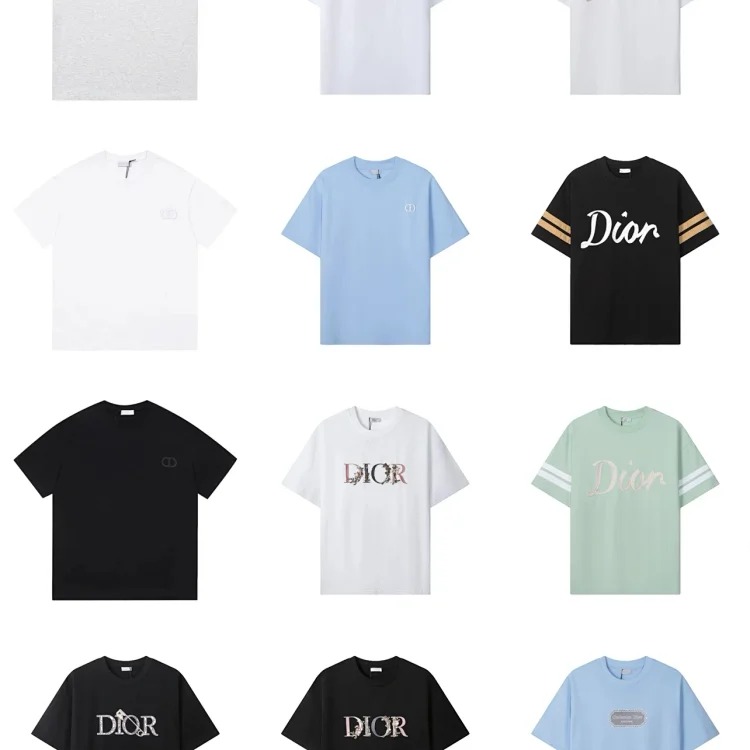 Embroidered short-sleeve T-shirtTop comparisonView product on OutfitReps →
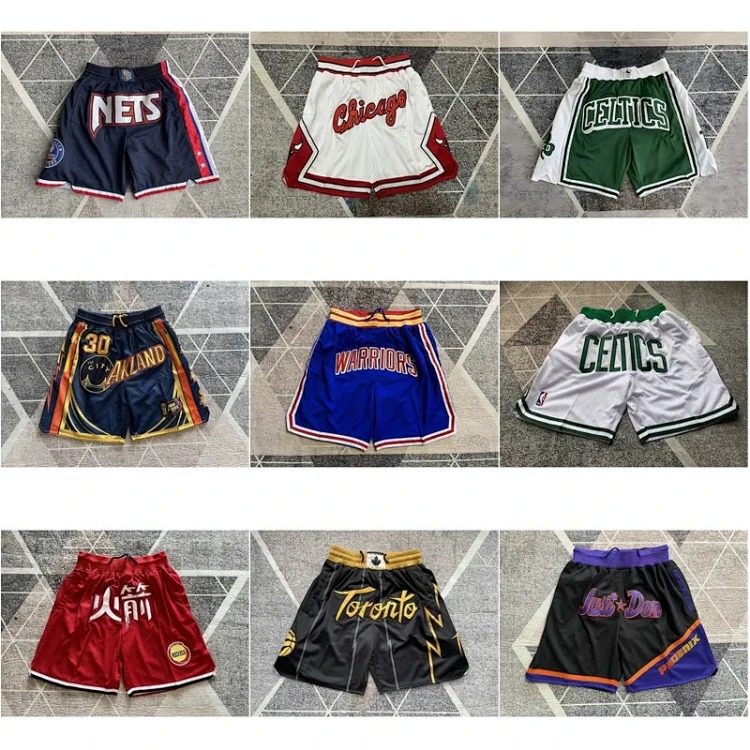 Printed trousersBottoms comparisonView product on OutfitReps →
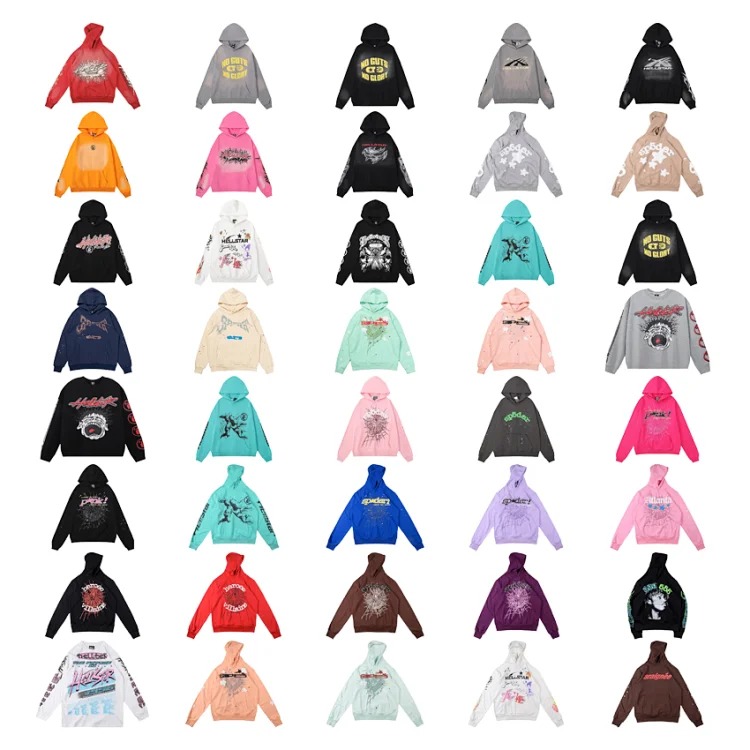 Graphic hooded sweatshirtLayer comparisonView product on OutfitReps →
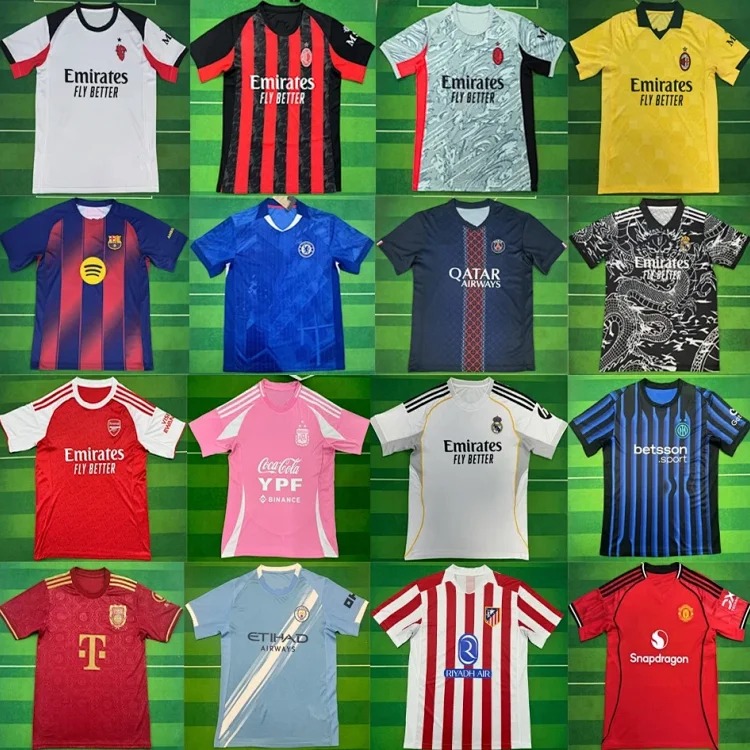 Football jersey listingSportswear comparisonView product on OutfitReps →
Use a LoveGoBuy spreadsheet to compare evidence and uncertainty
The spreadsheet becomes valuable after discovery. Create one row per exact product page and record the full URL, category, date reviewed, seller information, option code, color, size chart, material claim, price, domestic freight, dispatch note, return conditions, and the intended use. Add columns for evidence status: confirmed on page, seller stated, agent confirmed, warehouse measured, not shown, and unresolved. A blank cell can be mistaken for a completed check; an explicit unknown cannot.
Keep facts separate from judgments. “Size M lists a chest of 112 cm” is a page claim; “M will fit me loosely” is a conclusion requiring comparison with a familiar garment and allowance for measurement tolerance. A catalog may encourage quick impressions, while a spreadsheet exposes missing information. Do not turn a numeric score into false precision: record the reason for each rating and leave a candidate unranked if a critical field is absent.
Category-specific columns matter. For the T-shirt, record chest, shoulder, length, sleeve, embroidery placement, and fabric description. For trousers, record waist, hip, rise, thigh, inseam, leg opening, and whether the print shown is the selected variant. For the hoodie, include hood construction, ribbing, graphics, and garment weight if stated. For shoes, record the size label, internal length or insole measurement basis, and packaging choice. For a jersey, capture team, season, player name or number if applicable, and whether the option includes one piece or a set.
Spreadsheet filters are useful when the fields are trustworthy. Filter by category, budget, measurement completeness, and status to identify candidates worth further work. Do not exclude a potentially useful product solely because imported metadata lacks a color tag; inspect the page, then fill the field yourself. Conversely, a row marked “cotton” should not be treated as verified fabric composition unless the source and evidence are documented.
Deduplicate by exact canonical product URL rather than product title. Translated names can vary, and several sellers may use similar images. If a single detail page offers multiple variants, keep one source record with distinct option notes. Add the date of every material update; a seller can change a chart, option list, or price while the link stays the same. Archive old values instead of quietly replacing them, especially once an agent order has been placed.
Choose the format by the decision you need to make
For initial inspiration, a catalog wins on speed and visual breadth. For a final decision between two shoe listings, a spreadsheet wins because fit basis, seller evidence, QC needs, and landed cost must be compared. For a single known product, the detail page itself is the source of truth, while the spreadsheet is your private record of what you checked. For an outfit, browse several catalog categories first, then use a research board to keep the pieces coherent in fit, climate, and shipping plan.
A practical handoff is: browse, open exact detail pages, capture at most three candidates per need, then compare. Reject stale URLs, missing options, conflicting images, and products with unanswered critical questions. Assign statuses such as discovered, page verified, seller question pending, shortlist, rejected, ordered, warehouse review, and closed. A rejected row remains useful if it records the reason, preventing the same link from resurfacing without new evidence.
Before ordering, inspect seller details and ask targeted questions through the shopping agent. Is a size chart based on flat garment measurements? Does a jersey option include shorts? Does the print vary by code? Is a particular color available now? What is the domestic dispatch expectation, and what conditions apply to exchanges? Save both the question and response date. A catalog card alone cannot answer these operational questions.
Prepare QC/photo requests in the spreadsheet before warehouse arrival. For shoes, request both shoes together, side views, toe boxes, heels, tongues, labels, soles, and an insole measurement with visible tape endpoints. For clothing, request front, back, seams, tags, graphics, color under clear lighting, and relevant flat measurements. For trousers add waist, rise, inseam, and leg opening; for a jersey verify every included piece and the selected team and number. Record passed, failed, or not shown. Do not treat a missing angle as a pass.
Track the agent route from source link through order confirmation, domestic dispatch, warehouse receipt, QC review, exchange or return, parcel rehearsal, shipping, and delivery. Copy exact option codes, color, size, and quantity into the order note. If QC reveals the wrong variant, preserve the original instruction and start after-sales action within the applicable window. Do not consolidate an unresolved item into a parcel. This is where a structured row protects against a common failure of image-led browsing: forgetting which option was actually chosen.
Build a repeatable hybrid research workflow
Start each session by defining the need in one sentence and listing non-negotiable measurements. Browse the catalog for relevant silhouettes, then open each OutfitReps page. Record a short description in your own words, not just a translated seller title. Capture the live URL and review date. Only then compare price and appearance. This order prevents an attractive but unusable thumbnail from becoming the benchmark.
Estimate landed cost with product price, domestic freight, agent charges, international freight, packaging, insurance when relevant, and a contingency. Replace estimated weights with warehouse readings. A shoe box or structured package may increase volumetric weight, while a soft T-shirt can pack compactly; trousers and hoodies may add more mass. Check current route restrictions, declared-value rules, parcel dimensions, transit terms, and destination requirements before paying. Past shipping outcomes are context, not proof that a route is unchanged.
Use a final decision gate for every shortlisted item: exact live page, correct selectable option, sufficient size evidence, seller answer for critical uncertainty, QC instruction ready, estimated total cost, and a plausible agent route. If any gate fails, keep the status pending or reject the candidate. After warehouse inspection, repeat the gate with actual photos, measurements, weight, and after-sales status. A product should be approved for shipping only when the order and evidence agree.
After delivery, record actual fit, measurements, observable construction, parcel condition, final cost, and whether the catalog image accurately represented the product. Note which seller details and QC angles predicted the outcome. This feedback improves future searches and can reveal that a category needs different comparison columns. Review saved links periodically; mark a dead or changed page stale rather than allowing it to remain in a public-facing recommendation.
Neither format replaces judgment. The catalog is a discovery interface; the LoveGoBuy spreadsheet is a decision record. Together they create a route from visual exploration to verified product evidence, size planning, seller communication, warehouse QC, and shipping. The best research system is the one that makes uncertainty visible and preserves enough context to make the next action clear.
Continue with the LoveGoBuy spreadsheet search guide, browse all LoveGoBuy guides, or use the links below.